NogaTech

Workflow Automation & System Integration Services

Business Process Automation & System Integration Services

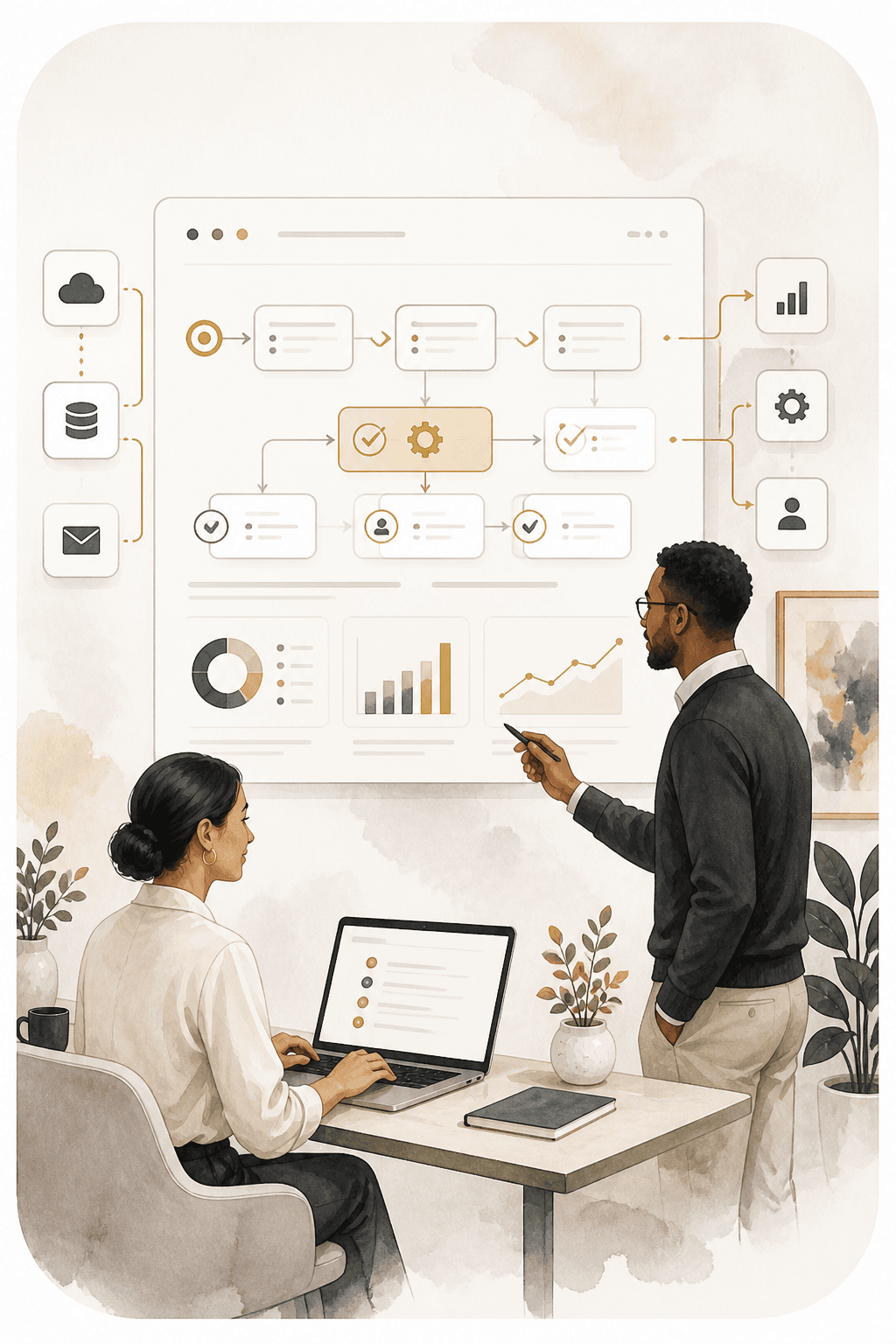
Business process automation helps organizations reduce repetitive work, move information between connected systems, and keep important workflows moving without relying on manual handoffs.

NogaTech provides workflow automation services, system integration services, and API integration services designed around the way your team already works.

Common Challenges

When Manual Processes Start to Slow Operations Down

Manual processes, disconnected tools, and repetitive tasks can slow teams down and create unnecessary work. Automation helps streamline workflows, connect systems, and keep information moving more efficiently.

  • 01

    Staff copy the same customer, order, or operational information between tools.

  • 02

    Approvals are delayed by long email threads and unclear ownership.

  • 03

    Teams manually send recurring reminders, confirmations, or status updates.

  • 04

    Reports require collecting and reconciling information from several systems.

  • 05

    Customer or operational data becomes inconsistent across disconnected tools.

  • 06

    Employees spend valuable time completing repetitive administrative steps.

  • 07

    Important workflows depend on one person remembering what happens next.

  • 08

    Existing software works individually but does not share information reliably.

Automation Capabilities

Workflow Automation & Integration Services

We plan business automation solutions around the workflow, people, data, and software involved. Not every process needs the same approach.

Business Process Automation

  • Approval workflows
  • Task routing
  • Status changes
  • Recurring business processes
  • Internal notifications
  • Escalation workflows

System Integration Services

  • API integration services
  • CRM integration
  • Platform-to-platform data exchange
  • Database integrations
  • Third-party service integrations
  • Custom system connections

Data, Reporting & Workflow Automation

  • Data synchronization
  • Automated report generation
  • Scheduled exports
  • Data transformation
  • Information consolidation
  • Dashboard data feeds

Customer & Team Workflow Communication

  • Automated notifications
  • Status updates
  • Reminder workflows
  • Email triggers
  • Internal alerts
  • Customer communication triggers

Common business automation use cases

  • A sales team creating follow-up tasks when a CRM stage changes.
  • A service organization routing new requests to the right team by request type.
  • A business synchronizing customer information between existing software systems.
  • A manager receiving scheduled operational reports without manually compiling data.
  • A team replacing email-based approvals with a structured, trackable workflow.
  • A business notifying customers when a request, booking, or case changes status.
  • An organization connecting an internal application to a third-party platform through an API.

What automation can help improve

  • Reduce repetitive administrative work
  • Create more consistent automated workflows
  • Reduce unnecessary duplicate data entry
  • Keep connected systems more synchronized
  • Give teams clearer workflow visibility
  • Make approvals easier to track and manage
  • Send routine communication at the right point in the process
  • Make recurring reporting easier to manage

Workflow Planning

Plan the Right Workflow, Not Every Task

Good workflow automation services reduce unnecessary repetition without removing the human decisions that still matter. If the workflow needs a staff or customer interface, explore Business Portals & Internal Systems.

Workflow considerations

  1. 01

    Business purpose

    What operational outcome should this workflow support?

  2. 02

    Ownership

    Who owns each step, exception, and follow-up?

  3. 03

    Human decisions

    Where should people review or make a judgment?

  4. 04

    Failure points

    Where do delays, errors, or rework happen today?

  5. 05

    Source data

    Which system owns the information being used?

  6. 06

    Fallback

    What should happen when an automated step cannot complete?

  7. 07

    Approvals

    Which approvals should remain human-controlled?

Software & API Integrations

Connect Your Existing Software & APIs

Many organizations already rely on software that works well for specific tasks. The right solution may be to connect those systems, automate information movement, and improve the workflow around them rather than replace everything.

System connections

  • APIs
  • Webhooks
  • Scheduled synchronization
  • Data imports/exports
  • Custom middleware
  • Database connections
  • Event-based workflows
  • Approved automation platforms where appropriate

API integration services

API integration services allow software systems to exchange information automatically. The important question is what should move, when it should move, what triggers the exchange, and how exceptions should be handled.

  • Create or update customer records
  • Retrieve account or case information
  • Send booking, order, or request data
  • Synchronize workflow status
  • Trigger notifications or follow-up actions
  • Transfer reporting information
  • Connect internal and external applications

Data consistency

  • Duplicate records
  • Conflicting values between systems
  • Stale or incomplete information
  • Mismatched IDs and records
  • Synchronization timing
  • Source-of-truth decisions
  • Error handling and recovery

Structured workflows

  • Purchase/request approvals
  • Content approvals
  • Account onboarding
  • Case routing
  • Status transitions
  • Internal review processes
  • Document review
  • Service request routing

Existing software modernization

  • Connecting legacy systems
  • Adding APIs
  • Building integration services
  • Automating manual exports/imports
  • Modernizing parts of a workflow
  • Building a lightweight custom interface
  • Connecting internal tools

Reliability & Access

Reliable Automation With Access & Data Protection in Mind

System integrations may involve credentials, permissions, sensitive information, and data transfer between platforms. These requirements are considered during planning alongside validation, fallback, and exception handling.

Workflow reliability

  • Validation before information moves
  • Error logging and clear exception records
  • Retries where they are appropriate
  • Fallback workflows for incomplete steps
  • Monitoring considerations
  • Duplicate-event prevention
  • Failed-data handling
  • Human review where it is needed

Access & data considerations

  • API credentials and keys
  • Authentication requirements
  • Authorization and access boundaries
  • Sensitive information
  • Audit and traceability needs
  • Data transfer requirements
  • Secure secret handling

How We Work

How a Workflow Automation Project Moves Forward

  1. 01

    Workflow Discovery

    Understand the current process, users, systems, triggers, and operational friction.

  2. 02

    Automation Opportunity Review

    Identify which repetitive steps are suitable for automation and which decisions should remain human-controlled.

  3. 03

    Integration & Data Planning

    Define connected systems, APIs, data ownership, triggers, permissions, and failure handling.

  4. 04

    Build & Connect

    Implement approved workflow automation and system integrations.

  5. 05

    Test Real Business Scenarios

    Test routine workflows, exceptions, failed steps, duplicate events, and permissions.

  6. 06

    Launch & Improve

    Launch the workflow and support future adjustments as business processes evolve.

Relevant Experience

Relevant Automation & Integration Experience

Explore NogaTech work across business systems, websites, and digital customer experiences.

Verified project01

TempElite

Healthcare staffing platform

Built for coordinated staffing operations

A business operations platform built around healthcare staffing workflows, user roles, job-related processes, and day-to-day operational needs.

Business portalCustom softwareUser rolesScheduling
View All Work

Frequently Asked Questions

Questions About Automation & Integrations

Automation FAQs

  • NogaTech can assess recurring workflows involving approvals, notifications, data movement, reporting, status changes, and connected systems to determine what is appropriate to automate.

  • Workflow automation uses connected software and defined rules to move information, trigger routine actions, and route work through a business process.

  • Yes. Where the available systems and project requirements support an integration, we begin by defining what information needs to move, when it moves, and how the workflow should behave.

  • An API integration service connects software systems so they can exchange information. The business focus is what should move, when it should move, and how exceptions should be handled.

  • It may. We can assess your CRM or internal systems, available connection methods, data ownership, and workflow requirements before recommending an approach.

  • Yes. Existing automated workflows can be reviewed for process clarity, software integration, failure handling, data movement, and maintainability.

  • Failure handling is planned around the workflow. Depending on the need, this may include validation, logging, retries, fallback steps, and human review.

  • Cost depends on the systems, APIs, workflow complexity, volume, data requirements, and failure handling involved. We first understand the work before recommending scope.

  • Timeline depends on scope, number of systems, API availability, testing requirements, and complexity. A clearer delivery plan follows discovery and planning.

Start a Project

Ready to Improve a Repetitive Business Workflow?

Tell us where manual work, disconnected software, or recurring updates slow your team down. We’ll help identify whether workflow automation, system integration, or another approach fits your operational needs.

Workflows Integrations APIs Connected Systems