
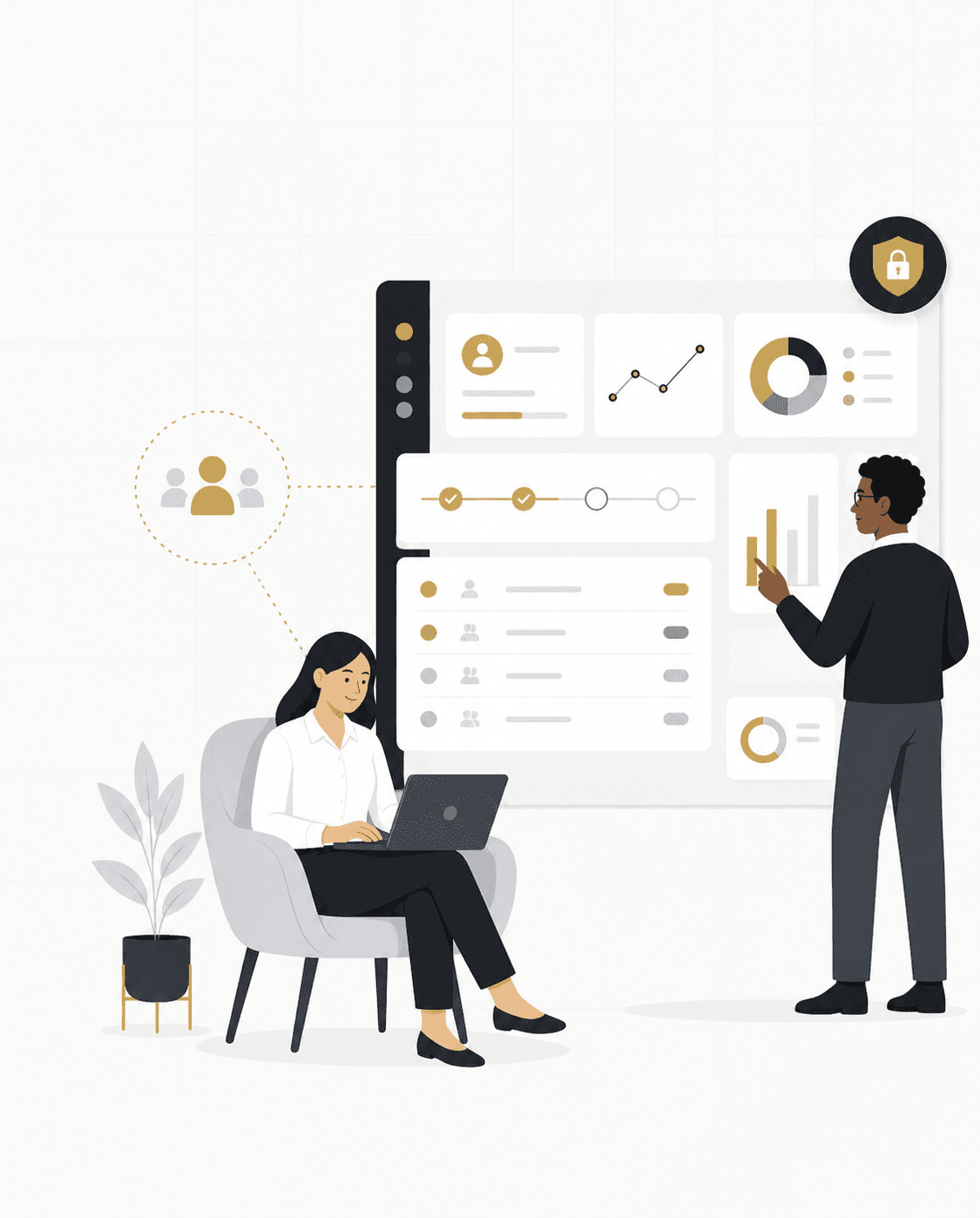
Customer & Client Portal Development
- Customer account portals
- Client dashboards
- Self-service portals
- Document access
- Request/status tracking
- Account information
Business Portals & Internal Systems
Build customer portals, employee tools, admin dashboards, and internal business systems around the workflows your organization actually uses.
NogaTech designs and develops custom business portals, internal tools, admin dashboards, and workflow systems that help organizations centralize information, manage users and permissions, reduce manual coordination, and support day-to-day operations.
Common Challenges
As businesses grow, disconnected tools and manual workflows can slow operations down. Custom portals and internal systems help organizations centralize information, improve workflows, and create better experiences for teams and customers.
Customers or staff rely on email for routine information or requests.
Teams repeatedly enter the same information in multiple places.
Operations depend heavily on spreadsheets.
Permissions and access are difficult to manage consistently.
Managers lack a clear operational view.
Customers cannot easily check status, documents, or requests themselves.
Important workflows depend on individual employees remembering manual steps.
Portal Solutions
Each business portal or internal system is shaped around the people, workflows, information, and operational needs it supports.
Common Use Cases
These are illustrative examples, not claims about individual client projects.
Business Value
Process-First Planning & Core Capabilities
A successful portal or internal system starts with understanding users, responsibilities, workflows, information, connected systems, and operational constraints—not simply designing screens.
Who will use the system?
What should each type of user be able to see or change?
What steps happen today?
What data needs to be captured, displayed, searched, updated, or reported?
What existing tools or systems need to connect?
What security, approval, accessibility, compliance, or process requirements need to be considered?
Modernization & Integration
Existing portals, admin panels, CRM systems, and database-backed workflows can often be improved or connected without rebuilding everything from scratch.
Modernization
We assess what is already working, where workarounds are creating friction, and which improvements make sense for the project.
System Integrations
Business portals can exchange information with existing software when the project requirements and available integration options support it.
Access & Permissions
Access can be planned around user roles, information needs, and project-specific requirements, with permissions defined around who should be able to view or change specific information.
Access considerations
How We Work
Understand users, workflows, pain points, existing tools, and project goals.
Define roles, features, data, integrations, priorities, and scope.
Design a usable experience around real workflows.
Build the system and connect approved external/internal services.
Validate workflows, permissions, responsiveness, accessibility, and key user paths.
Address ongoing support or future improvements based on the agreed engagement.
Relevant Experience & Right-Fit Guidance
One verified example of business system experience, alongside practical guidance on when a custom portal may be the right approach.
Relevant Experience
TempElite
A business operations platform built around healthcare staffing workflows, user roles, job-related processes, and day-to-day operational needs.
View All WorkIs This the Right Fit?
This may not require custom software if a proven off-the-shelf product already fits the workflow well. Discovery helps determine whether custom development is actually justified.
Related guides
Use these practical guides to compare your options, understand the tradeoffs, and make a more informed technology decision before investing in a new system, automation, or software project.
GUIDE 01
↗Business Portals & Internal Systems
Learn what a business portal is, the different types of portals, key features, benefits, and when custom portal development makes sense for your organization.
Read guideGUIDE 02
↗Automation & Integrations
Learn how API integration helps businesses connect software systems, reduce manual work, improve workflows, and create more efficient operations.
Read guideGUIDE 03
↗Software Planning & Strategy
Learn how businesses compare custom software with existing products based on workflows, integrations, flexibility, implementation effort, and long-term requirements.
Read guideFrequently Asked Questions
Clear answers to the questions organizations often have before planning a portal or internal system.
Portal FAQs
A business portal is a secure digital space where customers, employees, members, or internal teams can access information and complete tasks related to an organization’s operations.
A customer portal is designed for external users to access their account or services. An admin system supports staff in managing users, information, workflows, and operations.
Yes. We can assess an existing portal, admin dashboard, CRM, or internal system to determine whether targeted improvements, integration, modernization, or replacement makes sense.
A portal may connect to existing systems where the project requirements and available integration options support it.
Yes. Role-based access and permission boundaries can be planned around the responsibilities and information needs of each user type.
Cost depends on scope, workflows, users, integrations, data, design, and technical complexity. We first understand the project before recommending a scope.
Timeline depends on project size and requirements. A clearer delivery plan follows discovery and scoping.
Ongoing support and future improvements can be discussed as part of the project’s agreed engagement.
Start a Project
Tell us how the process works today, where the friction is, and what customers or employees need to do. We’ll help determine whether a custom portal, internal system, integration, or another approach makes sense.
Websites Business Portals Automation Custom Software