
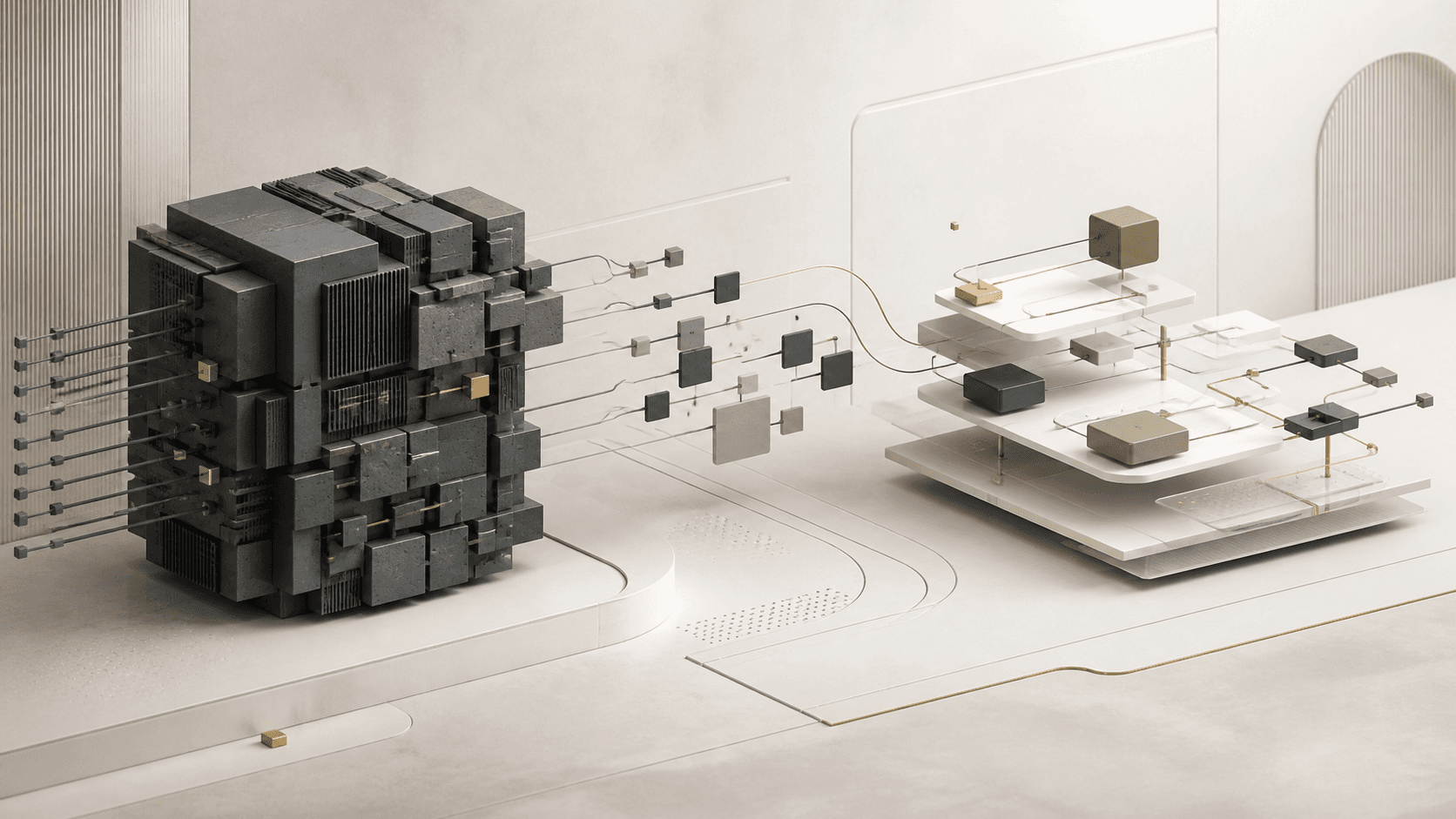
Many organizations depend on software that was built years ago. It may manage a core process, hold important information, or support work that could not simply stop while a new system is considered. Those systems can remain valuable long after the technology behind them begins to feel dated.
Over time, however, a once-useful application can become harder to maintain, update, connect, or scale. A team may need more from the system than it was originally designed to handle. New services may not connect cleanly. Employees may rely on spreadsheets, email, and duplicate steps to fill the gaps. The question is not always whether the software is old. It is whether it still supports the way the business needs to operate now.
Modernization does not automatically mean replacing everything. The right path may be improving valuable parts of an existing system, connecting new capabilities, rebuilding a specific area, or creating a new solution where the current foundation no longer fits. NogaTech starts with business goals, workflows, and the technology already in place before recommending an approach.
What Is Legacy Software Modernization?
Legacy software modernization is the process of improving an existing application or system so it can better support current business needs. It is a practical business decision, not a requirement to chase every new technology trend. The work begins with understanding what the system does well, where it creates friction, and what the organization needs next.
A modernization project may improve usability for customers or employees, update the way information is organized, make changes easier to maintain, or connect systems that currently operate separately. It can also create a more dependable foundation for future growth. The scope should match the actual problem rather than assume that a complete rebuild is the only responsible option.
Why Businesses Outgrow Existing Software
The System No Longer Supports Business Growth
Software is built around the requirements, users, and workflows that exist at a point in time. As an organization adds services, locations, teams, or customer expectations, those original assumptions can become limiting. A system that served a small group well may struggle when more people need access, approval paths become more complex, or new work needs to happen in a different order.
Manual Work Has Increased Around the Software
One of the clearest signs of an aging system is the work created around it. Employees export information into spreadsheets, copy data between tools, send status updates by email, or maintain parallel records because the application does not support the full workflow. These workarounds may keep the business moving, but they can make information harder to trust and process ownership harder to see.
The Software Cannot Connect With Other Tools
Businesses increasingly rely on several specialized tools. When an existing system cannot exchange the right information with those tools, teams may face disconnected records, repeated entry, and information silos. In some cases, a thoughtful integration or automation project is more useful than replacing a system that still handles its primary job well.
Maintenance Has Become Difficult
Changes can become slow when only a few people understand how the software works, when the original design no longer reflects today’s workflow, or when every adjustment has unexpected effects elsewhere. That dependency on outdated knowledge makes it harder to improve the system with confidence and can turn even sensible requests into long planning exercises.
Signs Your Business May Need Software Modernization
No single issue proves that a system needs to change. A pattern of friction is more informative. It may be time to evaluate modernization when:
- Employees create workarounds just to complete routine tasks.
- Small changes require significant effort, delay, or uncertainty.
- Important information is difficult for the right people to find.
- The system limits the customer or employee experience you want to provide.
- Integrations with important tools are difficult or unreliable.
- Business needs have changed more quickly than the system can adapt.
Software Modernization vs. Software Replacement
| Consideration | Modernization | Replacement |
|---|---|---|
| Starting point | Improve the parts of an existing system that remain valuable. | Create a completely new system and foundation. |
| Useful when | Useful functionality can be preserved while key gaps are addressed. | The current technology or structure no longer supports the requirements. |
| Change approach | Can reduce unnecessary disruption by improving in focused stages. | Creates an opportunity to rethink the full experience and workflow. |
The right decision depends on the business need, the value of the existing system, its limitations, and the future the organization is planning for. A useful evaluation does not begin with a predetermined answer.
Different Approaches to Modernizing Software
Improving Existing Applications
Sometimes the strongest option is to improve the application people already use. This can include refining workflows, adding needed features, clarifying navigation, or making everyday tasks easier to complete. The goal is to preserve useful knowledge and functionality while removing the friction that has accumulated around it.
Connecting Existing Systems
Systems do not have to be replaced to work together better. Integrations and automation can improve the movement of information between tools, reduce duplicate entry, and make a workflow more consistent. Explore how automation and connected systems can support that kind of improvement.
Rebuilding Specific Components
A system may have one area that creates most of the difficulty: an outdated customer-facing experience, a reporting process, an approval path, or an internal workspace. Rebuilding that component can create a modern experience while preserving the parts of the larger system that remain appropriate.
Building a New Custom Solution
A complete rebuild can make sense when the current system no longer supports the work, cannot adapt to important needs, or would require more compromise than a new foundation. A new custom solution should still be shaped around the people, workflows, and information it needs to serve—not simply the features of the old system.
Benefits of Modernizing Business Software
A thoughtful modernization effort can make software easier to maintain and safer to change over time. It can help teams use clearer workflows, give users a better experience, and create stronger connections between systems where information needs to move. Those improvements can make the technology more capable of supporting future needs without claiming that one project will solve every operating challenge.
The value is often in creating options. An organization may be able to improve a key process now, establish a more maintainable foundation, and make future decisions from a clearer understanding of its systems and priorities.
Questions Businesses Should Ask Before Modernizing Software
The best modernization conversations are specific about the business problem. Before choosing an approach, it is useful to ask:
- What problems does our current system create for customers, employees, or operations?
- What parts of the system still work well and should be preserved?
- What needs to improve first?
- Who uses the system, and what do they need to accomplish?
- What future needs should the solution support?
- Should we improve what exists, or is replacement the more suitable path?
How NogaTech Approaches Modernization Projects
NogaTech evaluates the current system, the business workflows around it, the needs of the people who use it, relevant technical limitations, and the organization’s future goals. That discovery work helps separate the symptoms from the underlying problem before a solution is proposed.
From there, the appropriate next step may be to improve, integrate, automate, modernize, or rebuild. For systems that need a more tailored foundation, explore custom applications and modernization, or see legacy application modernization services for existing software. For customer, employee, and operational workspaces, a business portal or admin system may also be part of the answer.
Examples of Business Systems NogaTech Has Worked With
NogaTech’s portfolio includes work across custom business applications and operational systems. Examples include TempElite, a staffing-related platform; UH Doctors Portal, a portal experience for healthcare-related users; and Maui Registry, a registry and information-management system. Each illustrates a different kind of organization-specific software environment.
See the NogaTech portfolio for verified project context and a broader view of the types of systems the team has worked with.
Common Questions About Software Modernization
How do I know if software should be modernized?
Look for recurring business friction: manual workarounds, difficult changes, disconnected information, or a system that no longer supports current workflows. A review can determine whether improvement is warranted and where to begin.
Is modernization better than replacing software?
Neither approach is automatically better. Modernization can preserve valuable functionality and reduce disruption; replacement can be appropriate when the existing foundation cannot support what the business needs next.
Can existing software be improved?
Often, yes. Useful options can include improving a workflow, adding capabilities, connecting systems, or rebuilding a focused area. The first step is understanding the present system and the problem it needs to solve.
How do businesses reduce disruption during modernization?
A clear scope, careful workflow planning, and focused stages can help an organization manage change. The appropriate sequence depends on the system, its users, and which operations need to continue without interruption.
How long does software modernization take?
Timing depends on the size of the system, the work that needs to change, integrations, and the level of planning required. A project conversation should establish the actual scope before a timeline is proposed.
Need Help Evaluating an Existing System?
Start by discussing the software challenges you see today, the workflows around them, and the goals your organization needs to support. You do not need to have the technical answer before the conversation begins.
Tell Us About Your Project