
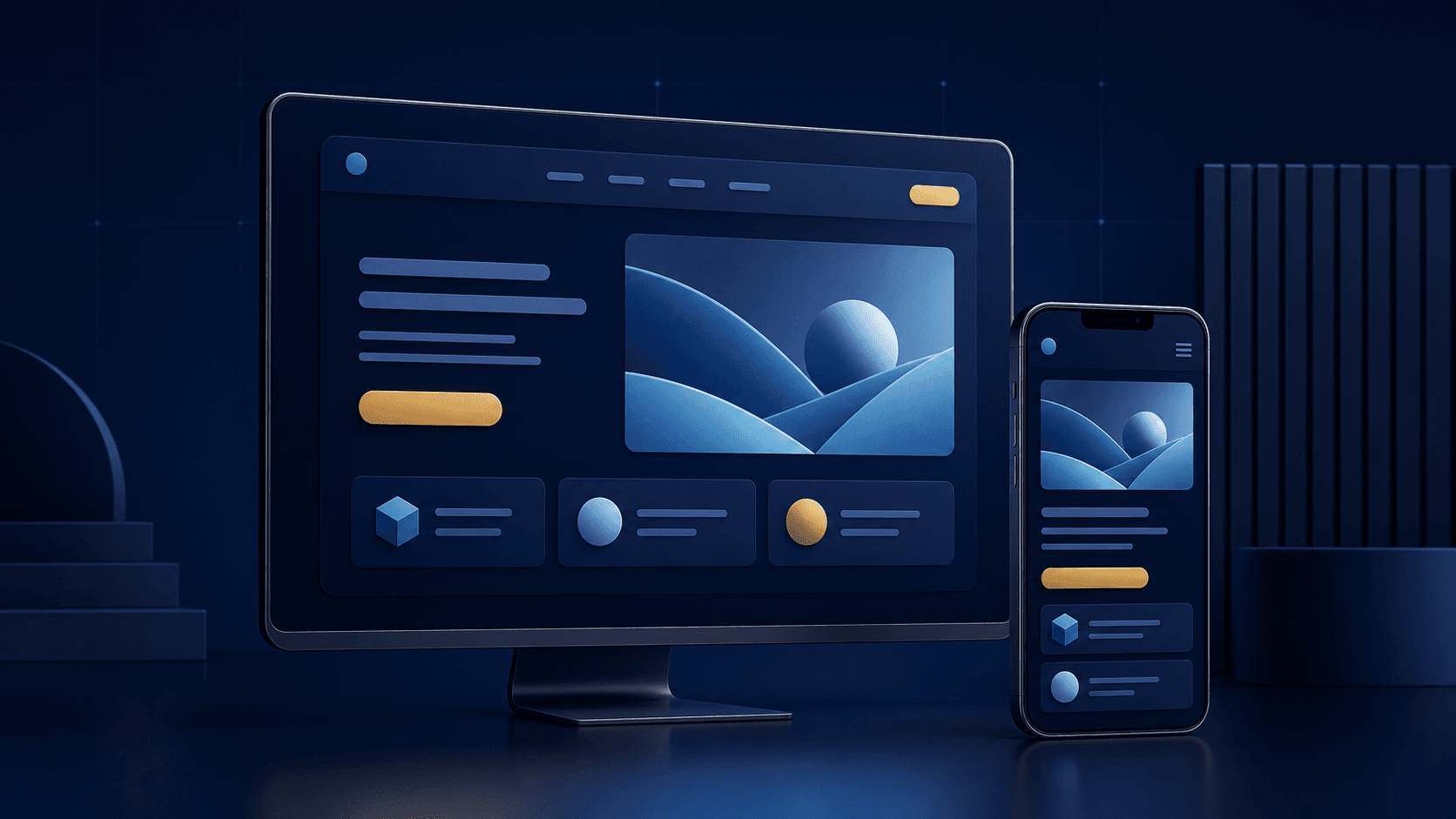
A good business website should do much more than look modern. It should help visitors understand what the company does, find useful information, trust the organization, and know what to do next. It also needs to work across devices, load efficiently, give search engines a clear structure, and remain manageable as the business changes.
That is why strong website design combines content, usability, performance, accessibility, SEO, and business strategy. A visually impressive site can still fail when services are unclear; a fast site can still underperform when content is confusing. Explore Website Development, Redesign & Support when evaluating a new site or redesign.
What Makes a Good Business Website?
A good business website answers several questions quickly: What does the company do? Who does it help? What problem does it solve? Why should a visitor trust it? Where can they learn more, and what should they do next? The strongest sites create a clear hierarchy between the main message, supporting information, proof, services, useful resources, and calls to action. Good web design and good SEO support the same objective: making information easy to understand and use.
1. Start With the Business Goal, Not the Visual Design
One of the most common website mistakes is starting with colors, animations, templates, or inspiration screenshots before defining what the website must accomplish. A website may need to generate qualified leads, explain complex services, support purchases, establish credibility, educate prospective customers, help people book appointments, support recruiting, or connect visitors with internal systems. When the primary visitor, their reason for visiting, their questions, and the most important next step are clear, design supports the business instead of becoming decoration.
2. Make the Main Message Immediately Understandable
Visitors should not have to decode the homepage. The main heading and introductory content should explain what the company provides, who it serves, the business outcome, and a primary call to action. “Custom Software and Web Development for Growing Organizations” gives a visitor useful context; a vague slogan does not. Clarity is usually more valuable than cleverness, and the same principle applies to each individual service page.
3. Build a Simple, Logical Website Structure
Website architecture affects usability and discoverability. As pages are added without a clear structure, services get buried, duplicate pages appear, navigation becomes crowded, and related content becomes disconnected. A clear path from Home to Services, Industries, Portfolio, Resources, About, and Contact helps people and search engines understand relationships. Keep important pages easy to reach, group related content logically, use descriptive navigation labels, maintain consistent URLs, and create pages only when they have a clear user or search purpose.
4. Keep Navigation Simple
A navigation menu is not a sitemap. Most business websites need only their most important categories—such as Services, Work, Industries, Resources, About, and Contact. Deeper information can sit within those sections. Predictable labels reduce thinking: “Services” is more useful than a creative phrase that visitors must interpret before they can navigate.
5. Design for Mobile From the Beginning
Mobile responsiveness should not be a final development check. Layouts, type, imagery, menus, forms, buttons, tables, and interactive components all need to work on smaller screens. Review whether headings wrap cleanly, buttons are easy to tap, forms are comfortable to complete, images resize appropriately, and important content remains prominent. Responsive web design is not simply shrinking a desktop layout; it is prioritizing information for the available space.
6. Prioritize Website Speed and Performance
Website performance is part of the user experience. Oversized images, unnecessary JavaScript, heavy third-party scripts, excessive animation, poorly optimized fonts, large embedded media, and outdated plugins can all introduce friction. Properly size images, use modern formats, lazy-load noncritical media, limit dependencies, cache appropriately, and test important pages regularly. Core Web Vitals are useful for evaluating loading, responsiveness, and visual stability, but performance should also be reviewed after launch as content and services change.
7. Use Clear Visual Hierarchy
Visitors scan webpages before reading deeply. Heading scale, spacing, typography, section structure, contrast, imagery, alignment, and content width help show where a section begins, what matters, and where to continue. A page where every element is equally large and bold has almost no hierarchy. Use one H1, H2 headings for major sections, and H3 headings for supporting subsections—never headings solely for font size.
8. Write Website Content for Real Customers
Design cannot compensate for weak content. A service page should explain what the service involves, the problems it solves, who it is for, what the process looks like, what options exist, and how to take the next step. Specific explanations are more useful than vague claims. For example, workflow automation can reduce repeated data entry, route approvals, synchronize information between systems, and trigger customer or internal notifications.
For a practical way to identify high-value workflow opportunities, read what business processes to automate first.
9. Make Every Important Page Search-Friendly
SEO should not be added after the website is finished. Information architecture, headings, page topics, URLs, internal linking, metadata, image descriptions, redirects, and content depth all matter. Every major page should have one clear topic, a descriptive title and meta description, one H1, useful subheadings and internal links, descriptive alt text, a canonical URL, and crawlable navigation. Use relevant phrases naturally rather than keyword-stuffing.
10. Use Internal Linking Strategically
Internal links should take a reader to the logical next piece of information. Descriptive anchor text is more useful than “click here,” and links can connect a website service, automation opportunity, custom functionality, verified project experience, or an industry context without dumping a list of destinations at the bottom of a page.
Useful paths may include automation and connected systems, custom applications and modernization, relevant industry experience, or verified project experience.
11. Design Clear Conversion Paths
A business website should make the next step obvious. Visitors may not be ready to contact the company from the first section, so relevant conversion opportunities can appear naturally through the customer journey: Request a Quote, Tell Us About Your Project, View Our Work, or Explore Website Services. A good call to action describes what happens next without repeating the same prompt excessively.
12. Build Trust Throughout the Website
Trust should not be confined to an About page. Visitors evaluate credibility through clear service explanations, real project examples, verifiable company information, a transparent process, useful educational content, visible contact information, professional design, and accurate claims. Avoid unsupported performance claims or invented numbers.
Review the NogaTech portfolio for available verified project information.
13. Make Accessibility Part of the Design
Accessibility improves usability for people with different needs and abilities. Consider contrast, meaningful heading hierarchy, keyboard-accessible navigation, descriptive labels, visible focus states, useful alt text, form labels and validation, readable font sizes, captions where appropriate, and interactions that do not depend only on color. Accessibility belongs in design and development, not as a final cosmetic check.
14. Avoid Unnecessary Animation and Visual Clutter
Animation can be useful when it explains change, guides attention, or provides feedback. It becomes harmful when everything moves for decoration. Long loading animations, autoplay video, constantly moving backgrounds, oversized hero sections, distracting effects, and content hidden behind complex interactions compete with what visitors came to learn. Every visual element should justify the attention it demands.
15. Plan for the Website After Launch
Launch is not the end of a website project. Services change, new resources are published, search behavior shifts, pages become outdated, and integrations need maintenance. Regularly evaluate broken links, speed, conversion paths, mobile usability, forms, search visibility, analytics, security updates, technical errors, unnecessary pages, and internal linking. Without governance, even a well-planned site can become disorganized over time.
Website Design and SEO: How They Work Together
Website design and SEO overlap heavily. Clear structure helps visitors and search engines navigate; useful headings clarify page topics; fast pages improve the experience; responsive layouts make information usable; and internal links help people and crawlers discover relevant content. SEO-friendly web design is not about inserting keywords into a finished website. It is about planning content, structure, technology, and customer experience together.
Should You Improve, Redesign, or Rebuild Your Website?
Not every outdated site needs a complete rebuild. Targeted improvements can work when the platform is stable, the structure is sound, performance issues are manageable, and content or conversion paths need attention. A redesign may make sense when visual design, navigation, messaging, or customer journeys need major improvement. A rebuild can be justified when technology is outdated, maintenance is difficult, technical debt is severe, or the architecture cannot support future requirements and integrations reliably.
Read Website Redesign vs. Website Rebuild for a closer comparison.
Website Design Checklist for Businesses
Strategy
- Is the business goal clear?
- Do we know who the main users are?
- Is there a clear primary action?
Content
- Does every major page have a clear purpose?
- Can visitors understand the services?
- Is the messaging specific?
- Are important questions answered?
User Experience
- Is the navigation simple?
- Is the hierarchy clear?
- Does the website work well on mobile?
- Are forms easy to use?
SEO
- Does every page target a clear topic?
- Are titles and headings descriptive?
- Are internal links useful?
- Are URLs clean?
- Are canonical tags correct?
Performance
- Are images optimized?
- Are unnecessary scripts limited?
- Have key pages been performance tested?
Trust and Conversion
- Are project claims verifiable?
- Is contact information clear?
- Is relevant proof visible?
- Is the next action obvious?
- Are calls to action relevant?
How NogaTech Approaches Business Website Projects
NogaTech starts with the business problem rather than a predefined design or technology stack. The process considers business goals, target users, the customer journey, existing website challenges, content structure, technical requirements, SEO foundations, integrations, performance, and long-term maintainability. The appropriate solution may be a focused improvement, a redesign, a full rebuild, or a new business website.
Explore Website Development, Redesign & Support and selected software and website projects.
Frequently Asked Questions
What are the most important website design best practices?
Clear messaging, logical navigation, mobile-friendly layouts, fast performance, useful content, accessible interactions, strong visual hierarchy, search-friendly structure, and clear calls to action.
How often should a business redesign its website?
There is no universal schedule. Consider a redesign when the site no longer represents the business, users struggle to navigate it, important functionality is missing, or the experience is affecting growth.
Does website design affect SEO?
Yes. Structure, internal linking, mobile usability, performance, headings, content organization, and crawlability all influence how easily visitors and search engines can understand a site.
What makes a website mobile-friendly?
It adapts to smaller screens while keeping text readable, navigation usable, buttons easy to tap, forms practical, and important content accessible without horizontal scrolling.
Should SEO be included during a website redesign?
Yes. Existing rankings, URLs, links, metadata, content, redirects, sitemaps, canonicals, crawlability, and performance should be considered before launch.
Is a website redesign the same as a website rebuild?
No. A redesign generally improves the experience on the existing foundation, while a rebuild creates a new technical foundation.
Build a Website That Supports the Business
Good website design is not defined by trends. It is defined by how effectively a website helps people understand the business, find information, complete important actions, and trust the organization. If your current site is difficult to maintain, no longer represents the business, performs poorly, or does not give customers a clear path forward, start by identifying what is creating the friction.