
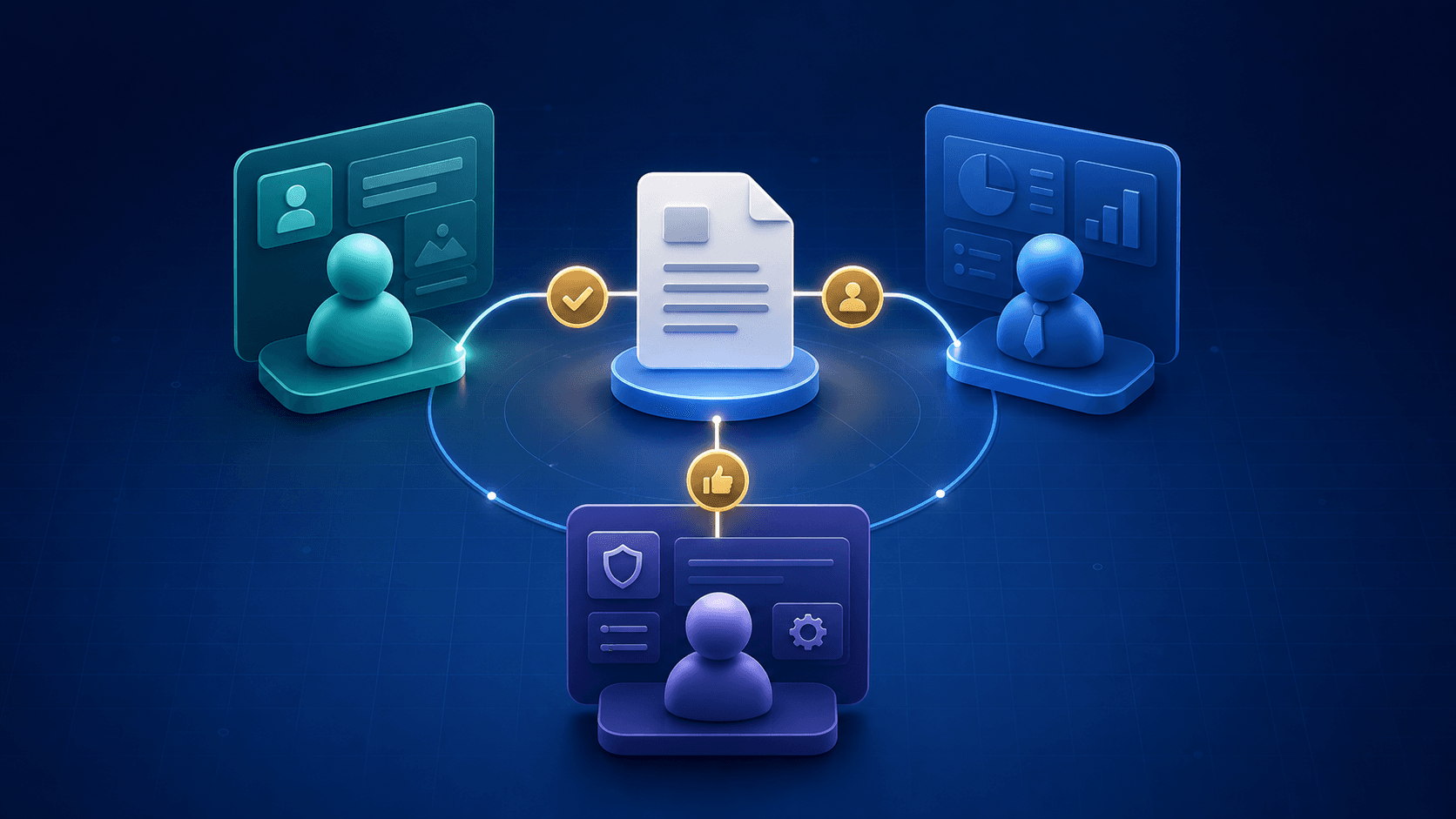
A business portal is a secure digital space where people can access information, complete tasks, and interact with an organization through a structured experience instead of scattered emails, spreadsheets, and manual updates. It can serve customers, employees, members, partners, managers, or administrators.
A portal is more than a login screen or dashboard. It brings people, information, and actions together around the way a business actually works. NogaTech approaches these projects from a workflow and business-needs perspective through its business portals and internal systems service.
Why Businesses Start Looking Into Portals
Businesses rarely begin by saying they need a portal. They notice customers repeatedly asking for updates, teams moving information between tools, approvals delayed in email, documents shared inconsistently, and managers without a clear operational view. A portal becomes relevant when access to data also needs to support a repeatable workflow.
- Customers ask for routine information that could be self-served.
- Staff re-enter the same information in multiple tools.
- Permissions and records are difficult to manage across disconnected systems.
- Operational work depends too much on individual memory or spreadsheets.
What Is a Business Portal, Exactly?
A business portal is a role-based system that gives users secure access to the information and actions relevant to them. A customer should not see the same interface as an operations manager, and someone who approves work needs different actions from someone who uploads a document or checks a status.
Common capabilities include secure login, role-based access, dashboards, forms, document access, request tracking, workflow states, approvals, reporting, notifications, and integrations.
Types of Business Portals
Customer or Client Portals
Give external users a secure place to review account information, check request or order status, upload documents, submit support requests, and receive updates.
Employee or Internal Portals
Support staff and managers with internal dashboards, workflow management, approvals, document access, reporting, and task routing.
Admin Dashboards and Operations Systems
Help the people who manage the workflow review requests, assign work, change statuses, control permissions, and maintain records.
Member or Partner Portals
Provide members, vendors, partners, or program participants with controlled access to resources, onboarding, tasks, and communication.
Hybrid Portals
Combine separate experiences for staff, participants, managers, and leadership in one connected system organized around their roles.
The Difference Between a Website and a Business Portal
A website primarily informs, explains, and converts. A portal supports ongoing tasks after a user relationship exists. An admin system helps internal teams manage operations, workflows, and data; a custom application can extend beyond a portal into broader business logic and integrations.
| System | Main purpose |
|---|---|
| Website | Explain the business and guide visitors toward inquiry or action. |
| Portal | Give users secure access to information, tools, and repeatable workflows. |
| Admin system | Help internal teams manage operations, workflows, and data. |
| Custom application | Support broader business logic, workflows, and system behavior. |
What Problems Can a Business Portal Solve?
- Manual communication: centralizes routine updates, documents, and status information.
- Spreadsheet-heavy workflows: creates a clearer, governed operational flow.
- Disconnected tools: can support connected workflows and reduce repeated data entry.
- Poor workflow visibility: adds statuses, assigned ownership, dashboards, and reporting.
- Weak ongoing user experience: guides people through what to do next.
When information needs to move between approved systems, portal planning may also include automation and system integration.
Key Benefits of a Business Portal
- Centralized information: records are easier to view, search, and update.
- Better self-service: users can access what they need without waiting for a manual reply.
- Reduced duplicate work: teams spend less time re-entering data and checking several systems.
- Clearer workflows and visibility: people can see what happens next and where work is slowing down.
- Easier permission management: users only see the information and actions appropriate to their role.
Signs Your Business May Need a Portal
- Customers or staff rely on email for routine requests or updates.
- Multiple people need the same operational information with different roles and views.
- The workflow depends heavily on spreadsheets or repeated workarounds.
- The same information is entered in more than one place.
- Managers need clearer reporting and operational visibility.
These signals can overlap with the decision to adopt a generic product or build something tailored. Read Custom Software vs. Off-the-Shelf Software for that comparison.
Important Features to Consider
Plan early for users and access, workflow and operations, data and reporting, communication and documents, and integrations. That can include permissions, authentication, forms, request management, approvals, notifications, search, dashboards, record history, CRM connections, payment tools, scheduling systems, and third-party APIs.
For a closer look at connected systems, see API Integration Explained for Businesses.
Business Portal vs. Off-the-Shelf Software
Off-the-shelf software can be a good fit when the workflow is standard and a product genuinely supports it. Custom portal development may make more sense when the workflow is central to operations, roles are complex, integrations are important, or a generic product creates repeated workarounds.
How to Plan a Business Portal Project
- 1. Define the users. Identify each role and what it should view or do.
- 2. Map the workflow. Trace today’s steps, required information, and delays.
- 3. Clarify the information model. Decide which records must be captured, searched, updated, or reported.
- 4. Review connected systems. Identify what should remain, connect, or change.
- 5. Prioritize the first release. Start with the highest-value workflows.
- 6. Plan for maintainability. Consider permissions, exceptions, reporting, and future improvements.
How NogaTech Approaches Portal Projects
NogaTech starts with users, responsibilities, current steps, friction points, information flow, connected systems, and constraints such as permissions, accessibility, security, or approvals. The right recommendation may be a custom portal, internal admin system, connected workflow, or focused improvement—not a predetermined solution.
Explore NogaTech’s portfolio for verified project contexts.
Questions Businesses Ask About Portals
What is a business portal?
A secure digital space where customers, employees, members, or internal teams access information and complete tasks related to an organization’s operations.
What is the difference between a customer portal and an internal portal?
Customer portals serve external users; internal portals support employees, managers, and operational teams.
Can a business portal connect to existing software?
Yes. Depending on requirements and available integration options, it can connect with CRMs, scheduling platforms, payment tools, databases, and third-party services.
When does custom portal development make sense?
When workflows are unique, roles are complex, existing tools create repeated workarounds, or the business needs more control over the experience and process.
Is a portal the same as custom software?
Not always. A portal can be one kind of custom software; other projects can extend into broader workflows, business logic, automation, reporting, and integrations.
Need a Better Way to Run an Important Workflow?
If your team is dealing with repeated manual steps, unclear visibility, or a process that no longer fits its tools, start with the workflow itself.
Tell Us About Your Project