
On this page
What business process automation means in practice
A business process is a repeatable sequence: something happens, information is checked, one or more people make a decision, systems are updated, and someone is told what comes next. Task automation handles one step, such as creating a reminder. Workflow automation coordinates several steps. System integration lets information move safely between the systems involved. Good business process automation uses all three deliberately.
For example, an approved leave request can update a leave record, notify a manager, add a calendar event, and create an audit trail. The workflow does the repeatable coordination; a manager still decides whether the request works for the team. That separation is important. It keeps the process faster without making it careless.
MANUAL HANDOFF
Inbox → spreadsheet → chase → re-key → update
Context can disappear between people and systems.
DESIGNED WORKFLOW
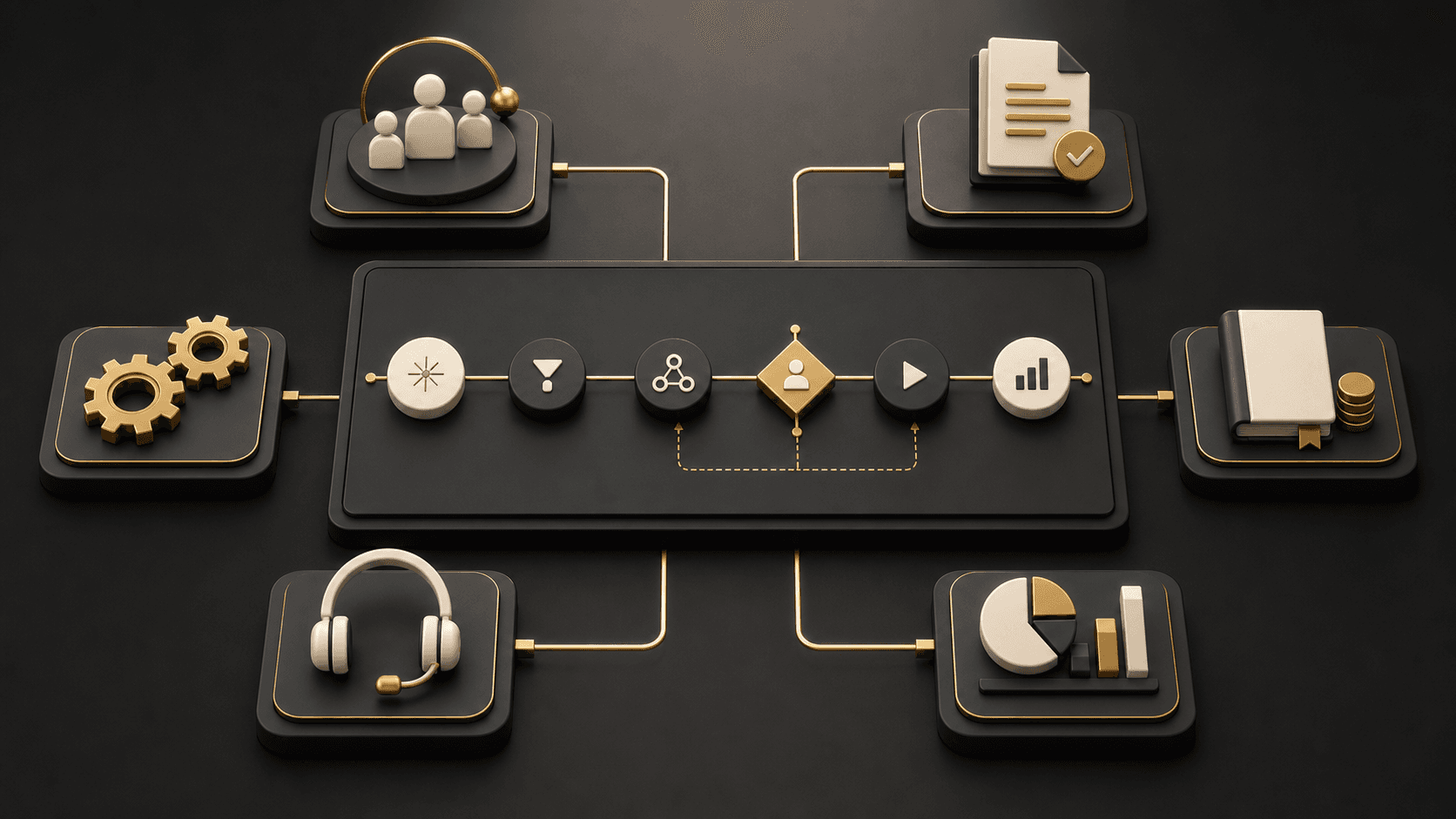
Trigger → rules → systems → review → action → record
A person is brought in when judgment is actually needed.
20 business process automation examples
These workflow automation examples are intentionally specific. The best implementation is rarely a single app switch; it is a clear agreement about the trigger, data, owner, exception path, and useful measure.
- 01
Lead capture and CRM routing
Manual process and friction: A team checks form submissions, copies contact details into a CRM, then decides who should respond.
What can automate: Create the contact, check territory or product rules, assign an owner, and send a useful notification.
Keep people involved: Sales still qualifies fit, changes ownership when context demands it, and writes the actual response.
Connected systems: Website forms, CRM, email, calendar
Useful measure: Measure time to first response, unassigned leads, and routing corrections.
- 02
Sales follow-up sequences
Manual process and friction: Representatives keep personal reminders and follow up inconsistently after a meeting, quote, or download.
What can automate: Create timed tasks and draft relevant reminders after defined customer actions or deal stages.
Keep people involved: The seller chooses message content, pauses outreach, and responds to questions with judgment.
Connected systems: CRM, email, calendar, marketing platform
Useful measure: Measure overdue follow-ups, response rates, and opportunities with no next action.
- 03
Customer onboarding
Manual process and friction: A signed agreement starts an email chain across sales, delivery, finance, and the customer.
What can automate: Open a delivery checklist, collect required information, create accounts, and notify responsible people.
Keep people involved: A delivery owner confirms scope, timing, exceptions, and the customer’s readiness to proceed.
Connected systems: CRM, project tool, identity provider, billing
Useful measure: Measure time from sale to first value and incomplete onboarding steps.
- 04
Customer status updates
Manual process and friction: Customers ask for progress because the latest status lives across inboxes, spreadsheets, and project boards.
What can automate: Send event-based updates when a milestone changes, a document is ready, or a request needs input.
Keep people involved: The account team handles sensitive delays, unclear expectations, and messages requiring explanation.
Connected systems: Project tool, customer portal, CRM, email
Useful measure: Measure status-chasing requests and updates delivered on time.
- 05
Support request routing
Manual process and friction: An inbox is manually sorted, with important cases sometimes reaching the wrong team or waiting too long.
What can automate: Classify by form choice, account tier, issue type, and urgency; create a ticket and route it.
Keep people involved: Support staff assess ambiguity, safety issues, and whether a priority must be overridden.
Connected systems: Help desk, CRM, email, knowledge base
Useful measure: Measure first-response time, reassignment rate, and unresolved tickets.
- 06
Employee onboarding
Manual process and friction: HR repeats the same requests for equipment, access, payroll details, and welcome information for every starter.
What can automate: Trigger role-based checklists, access requests, documents, reminders, and manager notifications from an approved hire.
Keep people involved: Managers confirm role-specific access, equipment, and the first-week plan before activation.
Connected systems: HRIS, identity provider, IT service desk, payroll
Useful measure: Measure tasks completed before start date and new-hire access issues.
- 07
Employee offboarding
Manual process and friction: Access removal, asset return, and knowledge-transfer requests are coordinated through ad hoc messages.
What can automate: Start a dated checklist, notify owners, revoke standard access, and record completed handoffs.
Keep people involved: People and security teams review unusual access, legal holds, and exceptions before accounts close.
Connected systems: HRIS, identity provider, IT service desk, asset register
Useful measure: Measure overdue offboarding tasks and accounts still active after departure.
- 08
Leave and time-off requests
Manual process and friction: Employees email managers, who manually check policy, calendars, and team coverage before updating records.
What can automate: Collect requests, validate balances where appropriate, route by manager, and update the leave record after approval.
Keep people involved: Managers judge coverage, business timing, and exceptions to normal policy.
Connected systems: HRIS, leave tool, calendar, collaboration platform
Useful measure: Measure approval turnaround and requests requiring manual correction.
- 09
Purchase and spending approvals
Manual process and friction: A requester emails a quote to finance and waits while approvers search for missing context.
What can automate: Validate required fields, apply amount or department rules, route sequential approvals, and retain an audit trail.
Keep people involved: Budget owners decide necessity, supplier suitability, and exceptions—not just whether a threshold was met.
Connected systems: Request form, finance system, procurement tool, email
Useful measure: Measure approval cycle time, incomplete requests, and policy exceptions.
- 10
Invoice processing
Manual process and friction: Invoices arrive in many formats, are keyed into finance software, and circulate for confirmation.
What can automate: Capture invoice data, match it to an order or cost centre, request approval, and create a payable draft.
Keep people involved: Finance reviews mismatches, duplicates, tax treatment, and any payment exception before release.
Connected systems: Email, document storage, OCR, accounting, procurement
Useful measure: Measure touch time, exception rate, and invoices awaiting approval.
- 11
Document collection and reminders
Manual process and friction: Teams repeatedly chase clients or colleagues for forms, evidence, certificates, and signed documents.
What can automate: Create a secure checklist, send timed reminders, record uploads, and notify the next workflow owner.
Keep people involved: A reviewer checks completeness, validity, and whether an alternative document is acceptable.
Connected systems: Portal, document storage, CRM, e-signature
Useful measure: Measure missing items at deadline and average collection time.
- 12
Contract approval
Manual process and friction: Commercial teams send contract versions by email, losing track of the latest text and required sign-offs.
What can automate: Route contracts by value, risk, geography, or clause changes; record decisions and preserve the approved version.
Keep people involved: Legal and commercial owners interpret risk, negotiate terms, and approve non-standard language.
Connected systems: CRM, contract repository, e-signature, legal intake
Useful measure: Measure review cycle time, version confusion, and unapproved changes.
- 13
Appointment booking and notifications
Manual process and friction: Staff coordinate availability manually, then send confirmations and reminders one by one.
What can automate: Offer permitted slots, create calendar events, send reminders, and notify a host when information changes.
Keep people involved: Staff handle complex bookings, special requirements, and capacity decisions.
Connected systems: Booking system, calendar, CRM, messaging
Useful measure: Measure no-shows, reschedules, and staff time spent arranging appointments.
- 14
CRM and accounting synchronisation
Manual process and friction: Customer and invoice information is entered twice, producing different values in sales and finance systems.
What can automate: Synchronise approved fields using clear ownership rules, validation, and error handling.
Keep people involved: Teams resolve duplicate records, credit decisions, and conflicts where two systems disagree.
Connected systems: CRM, accounting, integration platform, data store
Useful measure: Measure sync failures, duplicate records, and manual re-entry.
- 15
Recurring management reports
Manual process and friction: Someone downloads several reports, rebuilds a spreadsheet, and sends it to managers on a schedule.
What can automate: Collect approved data, refresh a report, distribute it to the right audience, and flag missing inputs.
Keep people involved: Leaders interpret the information, challenge anomalies, and decide what action follows.
Connected systems: ERP, CRM, analytics platform, spreadsheet or BI tool
Useful measure: Measure report preparation time, late reports, and data-refresh failures.
- 16
Data entry between systems
Manual process and friction: A change in one system is copied manually into another, often after a delay or with missing fields.
What can automate: Pass permitted, mapped data through an integration and send exceptions to a review queue.
Keep people involved: Data owners resolve ambiguous matches and decide whether a source record is trustworthy.
Connected systems: Line-of-business apps, CRM, ERP, integration platform
Useful measure: Measure manual entries, failed transfers, and correction volume.
- 17
Internal request routing
Manual process and friction: Facilities, IT, finance, and operations receive requests through unstructured emails and chat messages.
What can automate: Use an intake form to categorise requests, apply service rules, assign an owner, and show status.
Keep people involved: Service owners decide priority, scope, and requests that need more information.
Connected systems: Service desk, forms, collaboration tool, knowledge base
Useful measure: Measure request age, reassignment, and requests submitted outside the process.
- 18
Approval escalations
Manual process and friction: A request sits with one person until a colleague notices the delay and begins chasing manually.
What can automate: Send reminders, route to an agreed delegate after a threshold, and show the escalation history.
Keep people involved: An accountable manager decides whether escalation is appropriate and resolves policy exceptions.
Connected systems: Approval tool, directory, email, collaboration platform
Useful measure: Measure overdue approvals, escalation completion, and bypassed controls.
- 19
Inventory and operational alerts
Manual process and friction: Teams discover low stock, failed jobs, or missed service dates after they disrupt operations.
What can automate: Watch defined thresholds or events, create a task, alert the correct owner, and record acknowledgement.
Keep people involved: Operations decides whether the signal is material, what to prioritise, and the recovery action.
Connected systems: Inventory, maintenance, ERP, service desk
Useful measure: Measure acknowledged alerts, response time, and avoidable interruptions.
- 20
Customer feedback and follow-up
Manual process and friction: Survey responses and complaint themes are reviewed sporadically, so useful feedback arrives too late to act on.
What can automate: Create cases for defined responses, alert an owner, tag themes, and send a timely acknowledgement.
Keep people involved: People read nuance, contact customers, and decide product or service changes.
Connected systems: Survey tool, CRM, help desk, analytics
Useful measure: Measure response time, closed-loop follow-up, and recurring themes.
Where should a business start?
Look for work that happens often, follows a recognisable pattern, crosses more than one person or system, and causes delays when it is missed. A good first workflow has a clear owner and a manageable exception rate. Processes involving sensitive judgement, unclear policy, changing rules, or poorly understood data usually need clarification before automation.
Our guide to what business processes to automate first offers a practical way to rank candidates before a team commits to implementation.
The automation opportunities look different by department
Sales teams commonly need a dependable way to capture interest, assign an owner, and make sure that a useful next action happens. Finance teams often need controls: complete purchase requests, matched invoices, auditable approvals, and reliable updates between commercial and accounting systems. HR teams need repeatable experiences for starters, leavers, leave requests, and policy-led tasks. Operations teams need the right person to see an alert or request before a small issue becomes a missed delivery or service problem.
Customer service is another strong place to look, but not because every interaction should be deflected. Automation can acknowledge a request, recognise the customer, route the issue, surface relevant information, and keep the customer informed. It should leave the person handling the case free to understand what happened and make a considered response. Reporting works in a similar way: automate collection and distribution, then let managers interpret the information and decide what changes.
| Area | Strong starting point | Human decision to protect |
|---|---|---|
| Sales | Lead routing and follow-up tasks | Qualification and relationship approach |
| Finance | Invoice intake and approval routing | Budget, tax, and payment exceptions |
| HR | Role-based onboarding checklists | Access, policy, and people decisions |
| Operations | Request routing and operational alerts | Priority, recovery, and customer impact |
| Customer service | Case intake and status updates | Empathy, remedy, and escalation |
A connected workflow needs a visible decision path
The architecture can be simple, but it should be explicit. Define the trigger, validate the information, state which system owns each record, route exceptions to a person, and keep an audit trail. A workflow that silently fails or overwrites a source of truth is not an operational improvement.
This is where API integration matters: reliable connections make routine updates possible without treating every system as an isolated spreadsheet.
Plan automation before selecting a tool
- 01Name the outcome and the process owner.
- 02Map the current path, including delays and workarounds.
- 03Choose a specific trigger and a clear end state.
- 04Separate rules from decisions that need judgement.
- 05Identify the system of record for each data point.
- 06Design exception, retry, and escalation paths.
- 07Start with a narrow, observable release.
- 08Measure the original problem, not just flow runs.
- 09Review changes with the people who use the process.
Governance, AI assistance, and exceptions
Automation is deterministic when a workflow follows known rules. AI assistance can help summarise a request, extract a draft classification, or suggest the next step, but a business should define where confidence is insufficient and who reviews the result. Do not let an AI-generated suggestion silently approve spending, change a customer record, or remove a person’s access.
Business process automation and RPA are related, but not identical
RPA, or robotic process automation, is useful when a stable repetitive task only has an interface available: for example, entering a value into an older application. It can be part of a broader solution, but it is not a substitute for good process design. A business process automation approach asks a wider set of questions: where does the request start, what rules apply, which system owns the data, who can approve an exception, and how can the process be monitored after it changes? Prefer a direct integration or an API when it is available and appropriate; use RPA carefully where the interface is the practical route.
Common implementation mistakes
- Automating a broken path: document the real process, including the informal workarounds, before reproducing it in a tool.
- Leaving data ownership unclear: decide which system is authoritative for each important field so two systems do not overwrite one another.
- Hiding exceptions: give failed, incomplete, or ambiguous cases a named queue and an accountable person.
- Measuring only activity: a high number of completed flow runs is not proof that the business outcome improved.
Set permissions, retain meaningful logs, document who owns the workflow, and periodically review failed runs and workarounds. For larger internal journeys, a business portal or internal system can provide the secure intake and status layer; for a workflow that does not fit an existing product, custom application development may be the right path.
Frequently asked questions
What is a simple example of business process automation?
A web enquiry can create a CRM record, assign an owner based on territory, notify that person, and create a follow-up task. The salesperson still decides whether the lead is suitable and how to respond.
Which processes should not be fully automated?
Keep people involved where a decision has legal, financial, ethical, customer-relationship, or safety consequences, or where the policy and data are not reliable enough for a rule to decide.
Is business process automation the same as RPA?
No. Robotic process automation often imitates repeatable interface actions. Business process automation is broader: it can use integrations, forms, rules, approvals, portals, and RPA where appropriate to coordinate an end-to-end workflow.
Start with the decisions that make the workflow viable.
Bring the current workflow, users, systems, constraints, and desired first outcome. NogaTech can help turn that information into a practical implementation path—whether that is automation, integration, or a custom internal system.