
On this page
- 01. Quick answer
- 02. What is a customer portal?
- 03. Portal, website, and admin system
- 04. Why businesses look for portals
- 05. Common use cases
- 06. Essential portal features
- 07. Customer self-service
- 08. Roles and permissions
- 09. Integrations
- 10. Security considerations
- 11. Mobile and accessibility
- 12. Build vs buy
- 13. Cost factors
- 14. Portal complexity levels
- 15. How to plan a portal
- 16. First-release scope
- 17. Common portal mistakes
- 18. Measuring portal success
- 19. Does your business need one?
- 20. Frequently asked questions
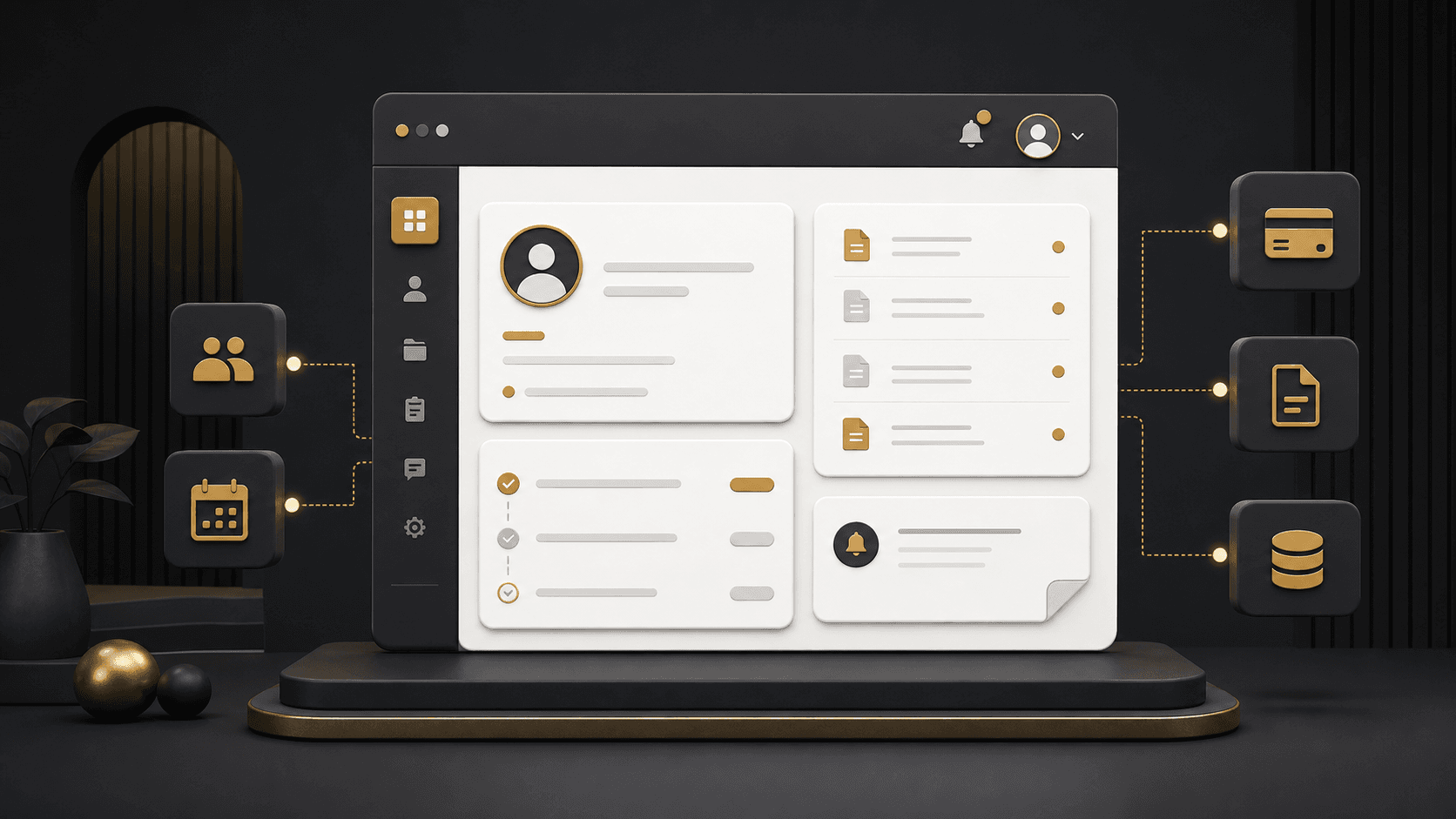
A good portal is not simply a login page. It brings together account information, requests, documents, communication, and connected workflows around the relationship a customer has with the business. The best starting point is the customer journey and the internal work behind it, not a preselected feature list. Business portals and internal systems can be planned around both sides of that experience.
What is a customer portal?
A customer portal is a secure digital environment where customers or clients sign in to view information and complete tasks related to their account. Depending on the organization, that can mean reviewing a request, downloading a document, submitting information, viewing an appointment, updating a profile, or contacting support through a structured process. The portal should make a useful part of an existing relationship easier; it is not a public marketing page with a password attached.
Customer portal vs. website vs. admin system
| System | Primary users | Main purpose | Typical access |
|---|---|---|---|
| Public website | Visitors | Information, discovery, inquiries | Public |
| Customer portal | Customers or clients | Secure self-service and account interaction | Authenticated account |
| Admin system | Employees and managers | Manage records, workflows, permissions | Internal roles |
| Custom application | Customers, staff, or partners | Broader business logic and workflows | Role-based |
Many portal projects need both an external customer experience and an internal operational view. The portal should not reveal internal controls; it should give customers only the actions and information relevant to them.
Why businesses start looking for customer portals
Customers repeatedly ask for updates
Documents are exchanged through email
People cannot update basic account information
Staff answer the same routine questions
Information is scattered across systems
Requests have no visible status or owner
The experience changes depending on who responds
Account-level information needs secure access
A portal is not automatically the answer. If the underlying process is unclear, rare, or needs staff judgment every time, improving the workflow first may be more valuable than adding a customer interface.
Common customer portal use cases
Professional services
Documents, case or request status, account details, structured requests.
Membership organizations
Member profile, resources, renewals, and service requests.
Service businesses
Booking details, invoices, status, and customer updates.
B2B organizations
Account records, orders, documentation, and support coordination.
Education and programs
Participant resources, application workflows, records, and communication.
Healthcare-related workflows
Approved documents, participant information, workflow status, and communication designed around project requirements.
The right model depends on the industry, customer relationship, and existing systems. See the organization contexts NogaTech works with across industries.
12 essential customer portal features
No portal needs every feature. Choose the smallest group that helps customers complete meaningful tasks and gives staff a dependable process behind them.
Secure login and authentication
Customer dashboard
Profile and account information
Request or case tracking
Document access
Document uploads
Notifications
Search and filters
Billing or payment information
Support or service requests
Activity and history
Role-based access
Customer self-service should be useful, not impersonal
Self-service works when it gives people direct access to routine information or actions: checking a status, downloading a document, uploading requested information, updating a contact, reviewing an invoice, submitting a request, or viewing a booking. It should not force customers through automation when a situation needs judgment or personal assistance.
Role-based access and permissions
Access design is a core portal requirement. A customer, customer administrator, partner, account manager, support staff member, and internal administrator may need different actions and different views of the same underlying records. A user should see only the information and actions relevant to their account and role.
Plan account boundaries, data visibility, authentication, session behavior, approval paths, and what happens when roles change. This is not a generic compliance claim; security and compliance requirements must be assessed for the specific project, data, and environment.
Customer portal integrations: the portal is often not the system of record
A portal is often the customer-facing layer over information managed elsewhere. CRM, accounting, payment, scheduling, document storage, ERP, internal databases, email, SMS, and third-party services can remain the source of truth while the portal presents the right action at the right time.
Customer portal
Reliable integration planning covers API availability, authentication, data mapping, sync rules, ownership, failure handling, and third-party limits. Read API integration explained for businesses and explore automation and connected systems for the operational side.
Customer portal security considerations
Security is part of the product design. Consider authentication, authorization, least-necessary access, account boundaries, input validation, secure integration handling, session management, logging where required, dependency maintenance, and backups appropriate to the architecture. The right controls depend on the data and the risk of an incorrect action, so they should be discussed before the portal’s scope is fixed.
Mobile experience and accessibility
A portal should adapt to the customer’s device and circumstances, rather than shrink a desktop dashboard. Prioritize touch-friendly controls, readable tables, practical forms, document upload, focused navigation, and a manageable authentication experience. Accessibility belongs in planning and testing: use semantic structure, keyboard access, clear labels, visible focus states, contrast, understandable errors, and appropriate touch targets.
Build vs. buy customer portal software
| Approach | Often useful when | Advantages | Tradeoffs |
|---|---|---|---|
| Buy existing software | Workflows are standard and configuration fits | Faster adoption; established functionality | Licensing, vendor roadmap, configuration limits |
| Build a custom portal | Workflow, roles, integrations, or experience need more control | Workflow fit; planned integrations; extensibility | Discovery, investment, ongoing ownership |
Neither choice wins by default. A proven product is often sensible when it fits well; custom development deserves evaluation when repeated workarounds or important constraints show that it does not. The broader framework is covered in custom software vs. off-the-shelf software.
How much does customer portal development cost?
There is no universal portal price. Cost follows the work needed for user roles, workflows, data model, dashboard design, integrations, migration, documents, payments, reporting, security, responsive behavior, testing, and ongoing support. A focused account portal and a multi-role customer platform with payments, automation, and complex permissions are fundamentally different projects.
For a fuller budgeting framework, read custom software development cost factors.
Customer portal complexity levels
| Complexity | Typical users | Common functionality | Main drivers |
|---|---|---|---|
| Focused portal | One customer type | Login, profile, status, documents, one workflow | Clear first outcome and simple data |
| Operational portal | Several customer roles | Requests, dashboard, notifications, integrations | Workflow rules and connected systems |
| Complex platform | Multiple account types | Payments, reporting, automation, administration | Permissions, migration, ownership, scale |
How to plan a customer portal project
Identify customers and roles
Map the current customer journey
Find repetitive requests
Define self-service opportunities
Map internal workflow
Review existing systems
Define the portal data
Identify required integrations
Prioritize an MVP
Define success measures
Design the user experience
Build, test, and launch
Each step turns assumptions into decisions. Map what customers are trying to accomplish, then the staff decisions, records, and exceptions behind it. That sequence identifies a credible first release rather than a wish list.
What belongs in the first version?
A first release often focuses on secure account access, primary customer information, one high-value workflow, documents, status, and essential notifications. Advanced reporting, secondary workflows, personalization, extra roles, and deeper automation can be planned later when evidence shows they matter.
Common customer portal mistakes
How to measure whether a portal is working
Measure against the original problem, not a generic engagement target. Adoption, task completion, support demand, response time, completion errors, feature use, customer feedback, and operational visibility can all be useful signals. The key question is whether eligible customers can complete the intended work and whether staff have a clearer, more reliable workflow behind it.
Does your business need a customer portal?
A portal may be worth evaluating if
- • Customers request routine information often
- • Secure documents or status matter
- • Email drives routine workflow
- • Roles need different access
- • Several systems feed one experience
You may not need a custom portal if
- • Interaction is rare
- • An existing product fits well
- • No secure account access is needed
- • The process is still unclear
- • The workflow is too simple for dedicated software
Could customers handle more routine tasks online?
If customers repeatedly request status updates, documents, account information, or routine actions, a portal may be worth evaluating. Start with the customer journey and the internal workflow behind it.
Frequently asked questions
What is a customer portal?
A secure digital area where customers can access approved account information and complete relevant tasks.
What is the difference between a customer portal and a website?
A website provides public information; a portal provides secure account-level access and interaction.
What features should a customer portal include?
It depends on the business, but may include account information, tracking, documents, notifications, billing, support, and profile management.
Can a customer portal connect to a CRM or payment system?
It can where the systems, available integration options, and project requirements support the connection.
How much does customer portal development cost?
Cost depends on scope, roles, workflows, integrations, data, experience, security, testing, migration, and support.
Should we build or buy customer portal software?
Buy when a proven tool fits the workflow; evaluate custom development when the workflow, integrations, roles, or experience need more control.
How long does it take to build a customer portal?
There is no universal duration. Scope, discovery, integrations, data, and testing determine the plan.
Can different customers see different information?
Yes. Role and account-based access can be planned so users see appropriate information only.
Is a customer portal mobile-friendly?
It should be. Responsive behavior should be planned and tested from the start.
NogaTech begins with users, workflow, responsibilities, data, permissions, systems, and outcomes—then considers whether a portal, internal system, integration, automation, existing software, or phased combination makes sense. Explore custom applications and modernization or view verified project examples.